

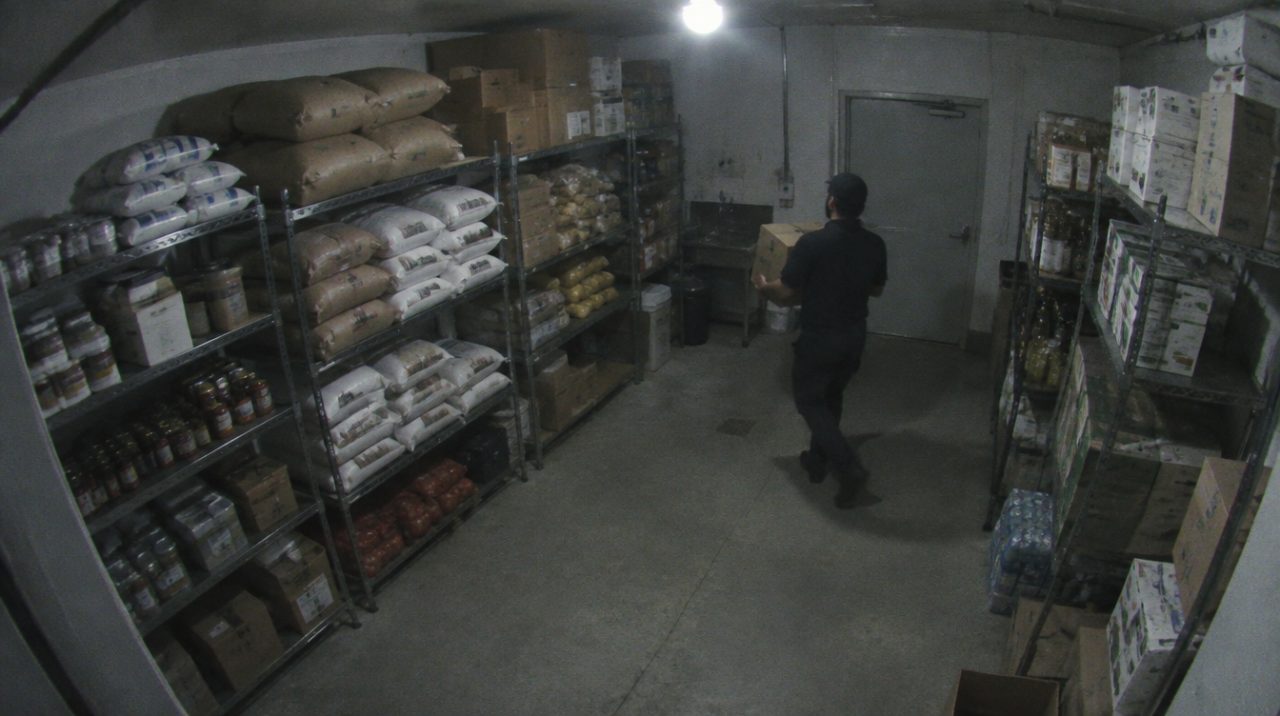
 Snapshot from CAM-02
Loitering alerts after one minute
Thirty seconds in one spot turns a box amber. At sixty seconds it turns red and the WhatsApp message goes.
 Loitering 78
LossLens reads the cameras you already have and sends a WhatsApp message to your phone when someone stays in one spot for a minute. Up to 27 cameras on one screen.
LossLens watches each camera for the moves that come with theft and messages your phone with the frame.
A hand held at the waist or reaching into a bag for two seconds raises a Concealment or Reaching alert.
Someone who stays at the counter or cash drawer for a minute turns red and sends a message.
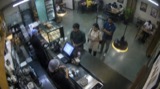
A camera on the dry store flags anyone who stays there, and each alert lands in the log with its time.
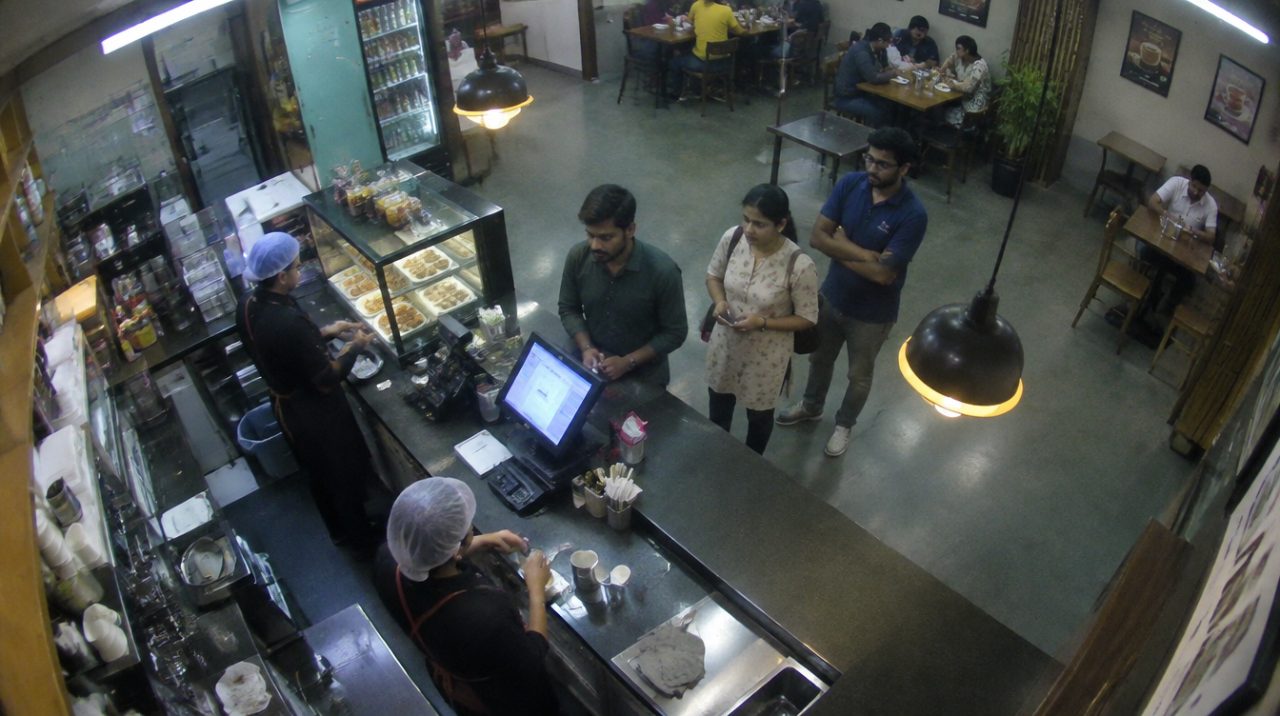
Alert log
Each row has the time, the camera, what it saw and a score out of 100. Press False alarm on a wrong one and LossLens records it.
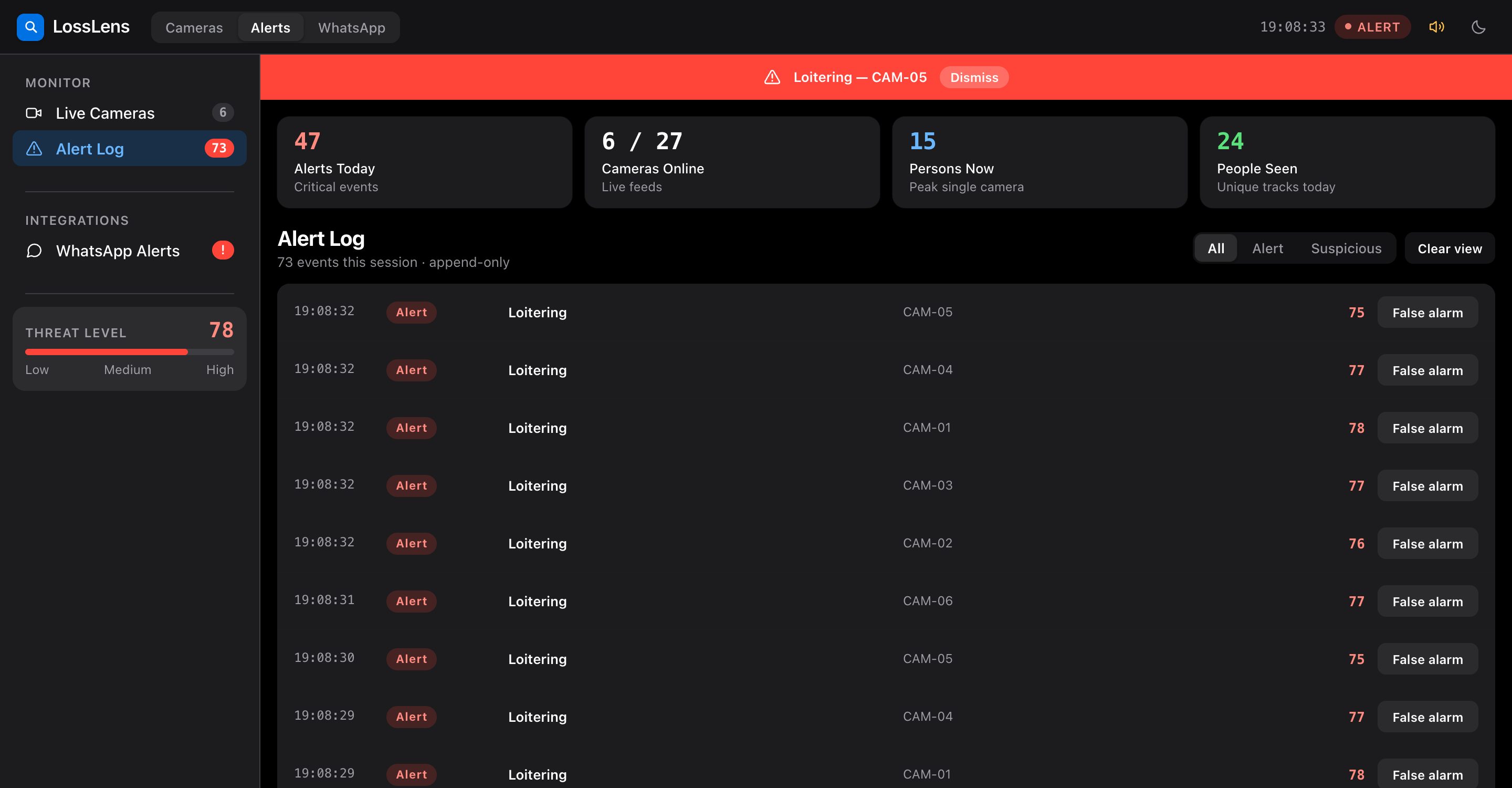
Thirty seconds in one spot turns a box amber. At sixty seconds it turns red and the WhatsApp message goes.
Loitering 78
Each tile shows how many people are in frame. The top bar shows the busiest camera right now.
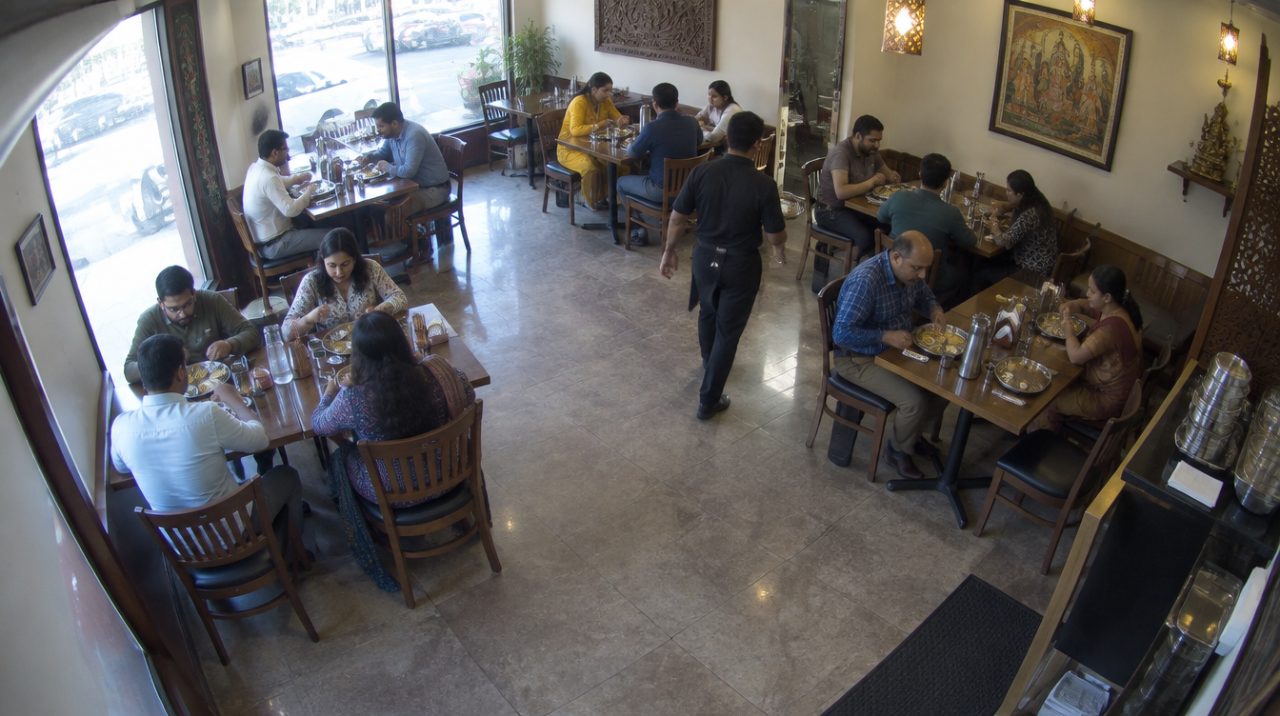 15 persons
A person crouching low turns amber on the tile, so you know which camera to check.
 Aisle B · 3 persons
Shapes that match the camera's first frame and never move, like a standee, are dropped from the count.
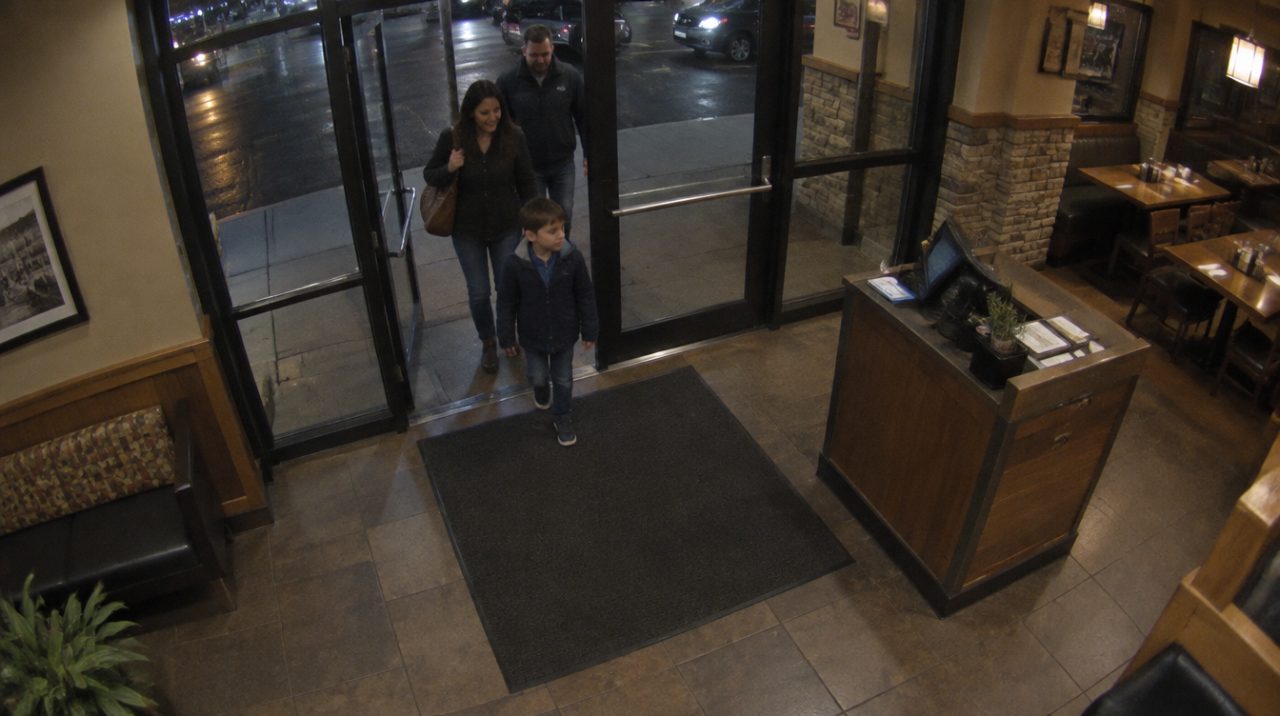 Entrance · 3 persons
When a camera scores 70 or more, LossLens messages the number you choose with the camera, what it saw, the score and the time. The frame follows as a photo.
One camera sends at most one message a minute, so a busy rush does not bury the phone.
Who gets the alertsLossLens connects to Hikvision and ONVIF cameras, and to any camera or recorder with an RTSP address, such as Dahua and CP Plus.
Open any camera fullscreen to hear its audio. Nothing is installed on the cameras.
Read the setup questionsNo. LossLens connects to your cameras and recorders over the network, using their RTSP address.
One phone number per LossLens, usually the owner's.
Yes. Each shop or restaurant runs its own LossLens, with up to 27 cameras on its dashboard and alerts to one number.
No. LossLens finds people and how long they stay. It does not identify anyone.
Press False alarm in the alert log. LossLens saves the label with the alert.